Photodata Pro gives you full control over the information embedded in your images — fast, cleanly, and entirely on your device.
💜
One Purchase, Every Device
Buy Photodata Pro once and it's yours on Mac, iPad, and iPhone — a single Universal Purchase, no extra charge, no separate app to find.
🔀
Two Ways to Edit
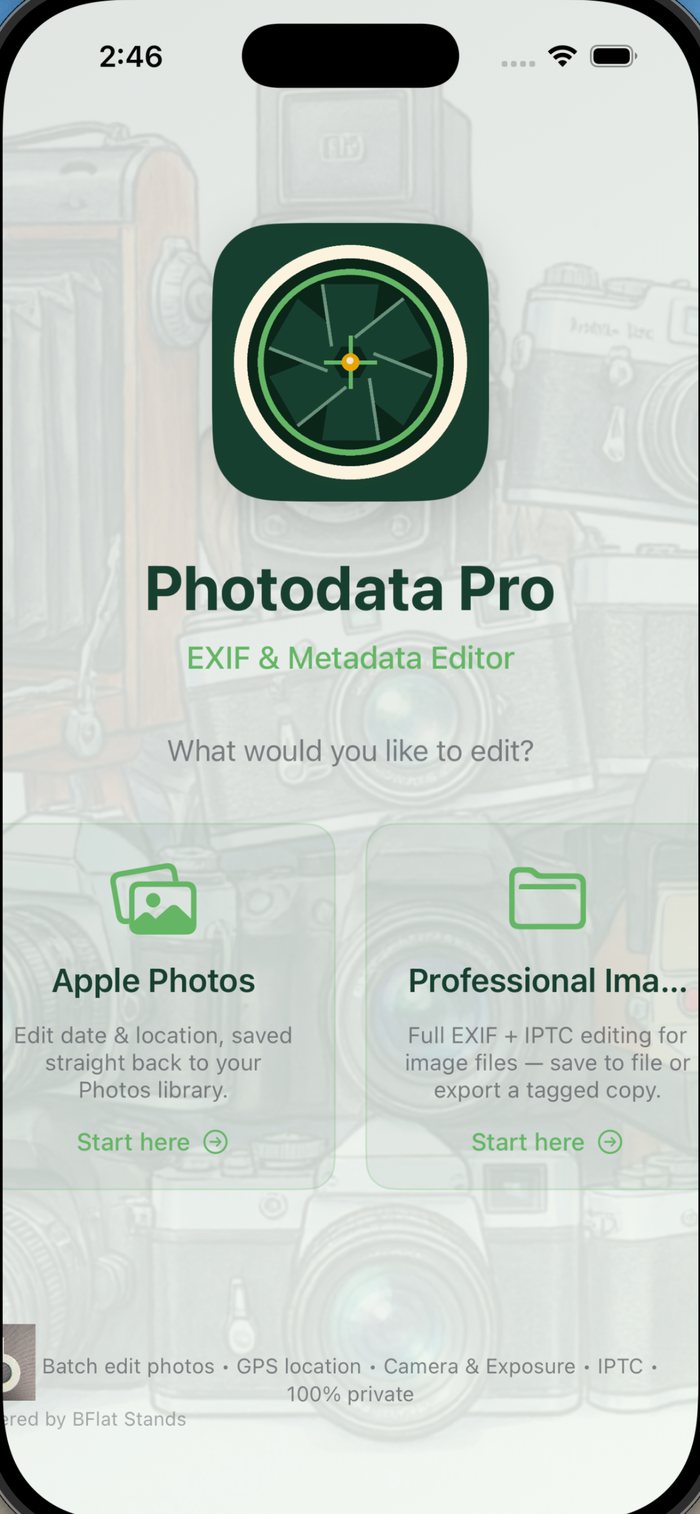
Import from Apple Photos for a focused screen with just date and GPS. Need more? Switch to the full editor for camera, exposure, and Description/IPTC fields. Files opened from Finder or the Files app always start in the full editor.
📅
Date & Time Editing
Correct or update the capture date and time on any photo. Fix timestamps from scanned prints, time-zone errors, or clocks that were never set correctly.
📍
GPS Location Picker
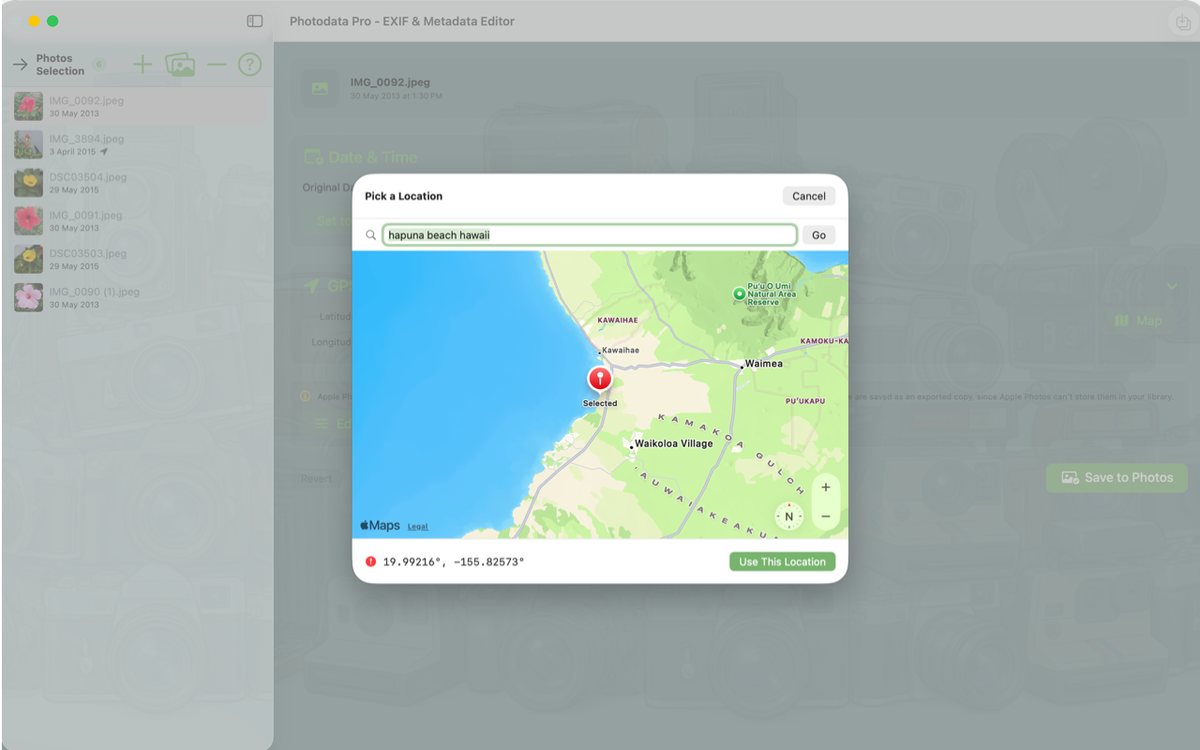
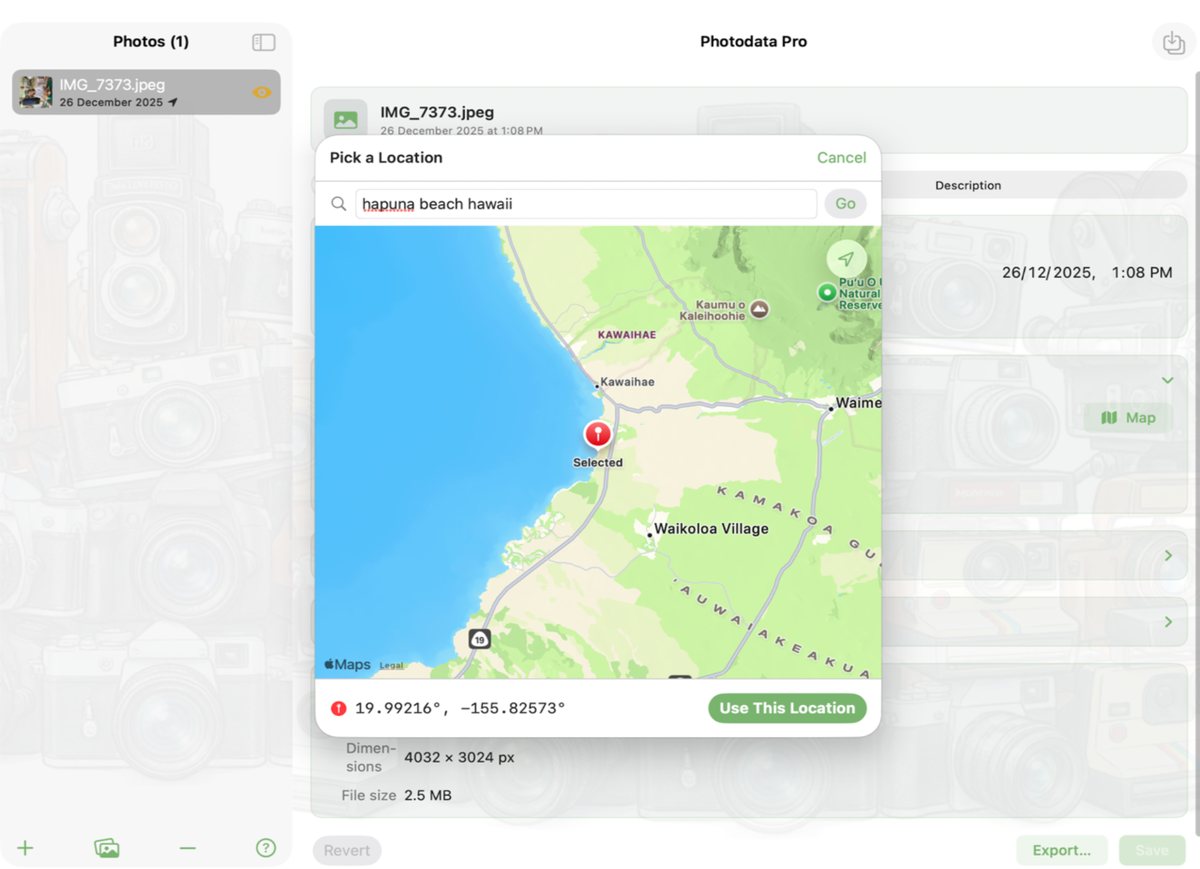
Set or update GPS coordinates with a built-in interactive map. Tap any location on the map to pin it, or type coordinates directly.
📷
Camera & Lens Info
Edit camera make, model, and lens details. Ideal for photos imported from scanners, drones, or any device that doesn't write full EXIF data.
⚙️
Exposure Data
Update aperture, shutter speed, ISO, and focal length fields so your metadata accurately reflects how the shot was taken.
🏷️
Description & IPTC/XMP Metadata
Edit Title, Headline, Caption, Keywords, Creator, Copyright, Credit, Source, and full location fields — written to both classic IPTC and modern IPTC Core XMP, conforming to the IPTC Photo Metadata 2025.1 standard, so Adobe Bridge, Lightroom, and Photoshop read every field correctly.
📤
Export a Tagged Copy
Export a copy of any photo — or a whole selection at once — with your metadata embedded, without ever changing your originals or your Apple Photos library. The safe way to hand fully-tagged images to a client or another app.
📚
Batch Editing, Done Right
Select multiple photos, then edit only the fields you actually want to change. Save All or Export All applies exactly those changes across your selection — every field you didn't touch keeps that photo's own original value.
🖼️
Photos Library Integration
Import directly from your Apple Photos library. Edits sync back automatically — camera, exposure, and Description fields aren't stored by Apple Photos, so use Export to keep those as a separate tagged file.
🔁
Draft Restore
iPad & iPhone
Interrupted mid-edit? Force-quit the app or take a call — your unsaved changes are right where you left them next time you open it.
🔍
Quick Look Preview
Mac
Press Space to instantly preview any photo without leaving the app. A fast way to confirm you're editing the right image.
🔒
Fully Sandboxed
Photodata Pro only accesses files you explicitly open. No background access, no network calls, no data ever leaves your device.
⚡
Native Performance, Every Platform
Built entirely with Swift and SwiftUI using Apple's ImageIO framework. Fast and efficient on Apple Silicon Macs, iPad, and iPhone.